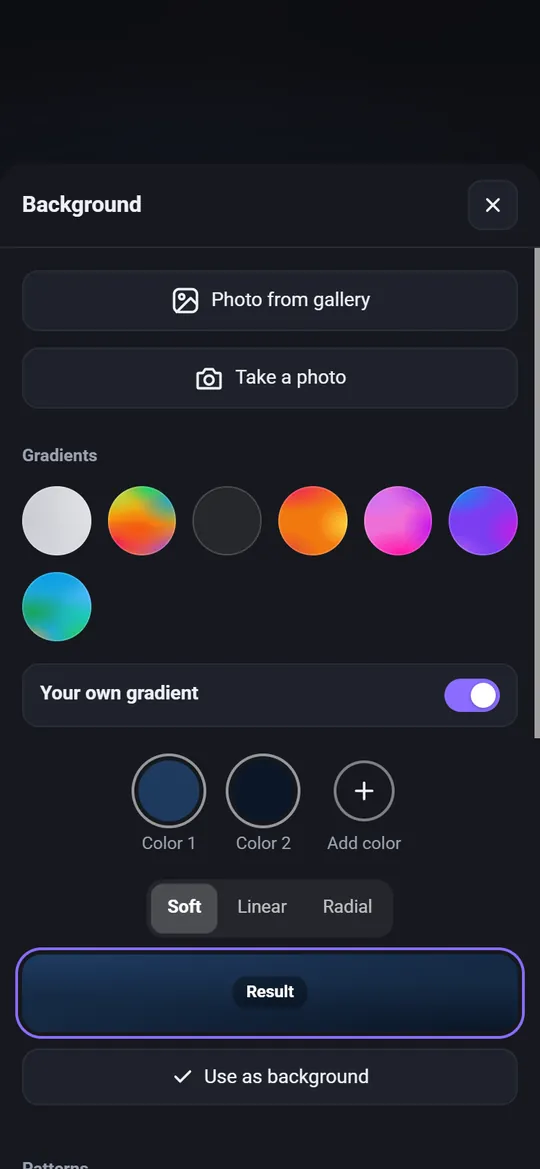
Set the stage
Pick a size, then a background: your photo, a color, a pattern, or a gradient you mix yourself.
These are real screens from the app. At every step the choices are yours.
Pick a size, then a background: your photo, a color, a pattern, or a gradient you mix yourself.
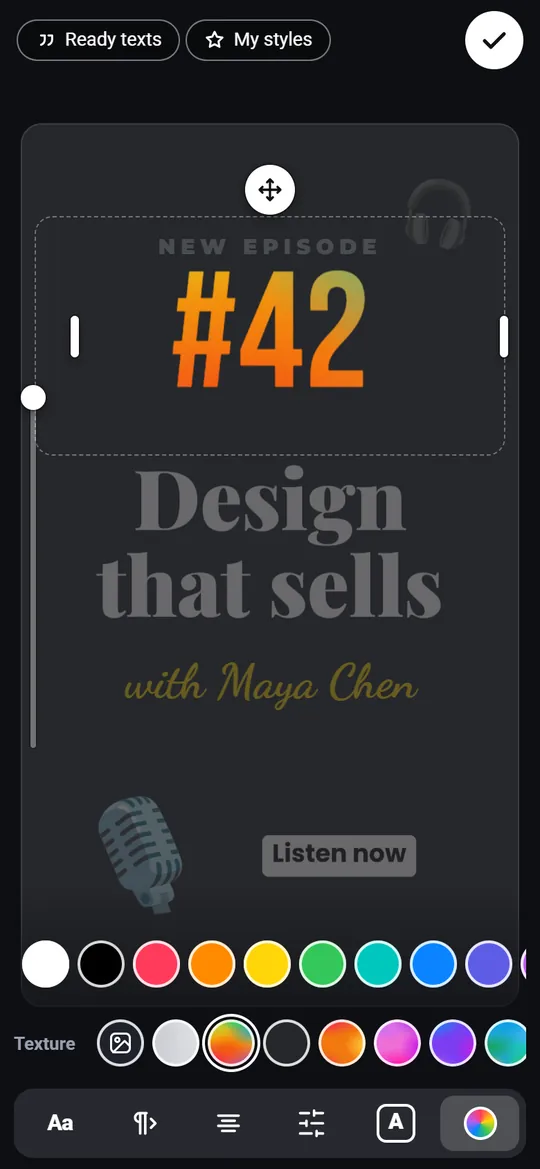
Choose a font and colors, then set size, spacing, width and curve with sliders until it sits right.
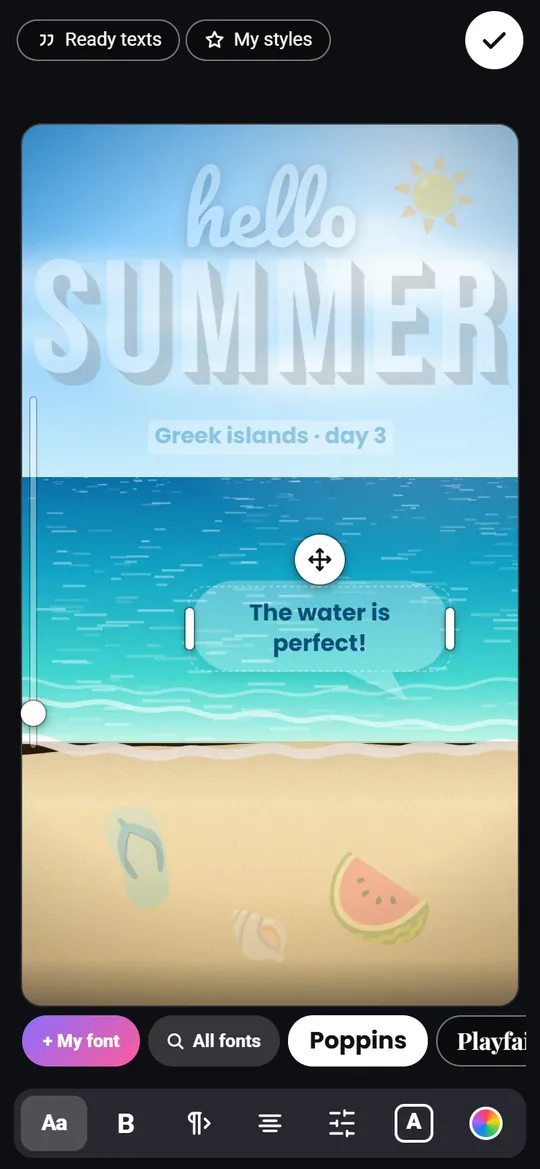
Give photos round or leaf-shaped corners, a border and a shadow. Add bubbles, arrows and emoji.
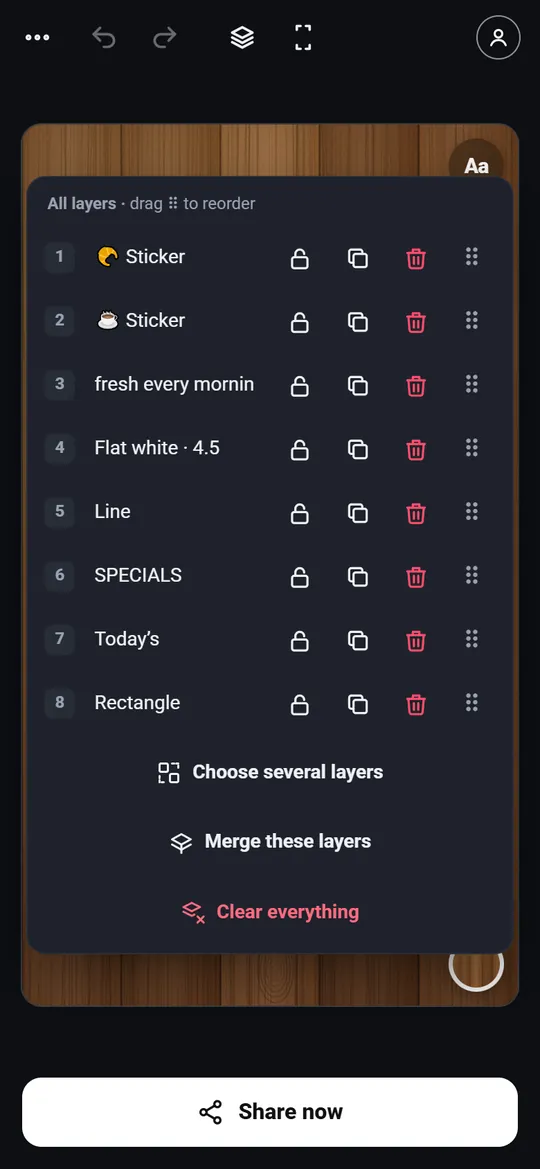
Reorder, lock, copy or merge the layers. Save the picture with no watermark, or share it right away.
Matner is on its way to your phone. Free to download, no sign-up needed.